Questions
What is TFBF, in one line?
A private budget app that treats crypto like money: your coins, cash, cards and loans on one screen, with the tools to trade, plan and file taxes properly.
How do I install it?
Download the free file on a Windows or Mac computer and open it in Chrome, Edge, Safari or Firefox, then bookmark it. There’s nothing to install. Your data stays in that browser; use Backup to move it to another computer.
Does it work on my phone?
Yes. Open the phone app on your iPhone or Android and add it to your home screen. It works offline, updates itself and has every theme. Your licence key works on your phone and your computers.
How does crypto fit into my budget?
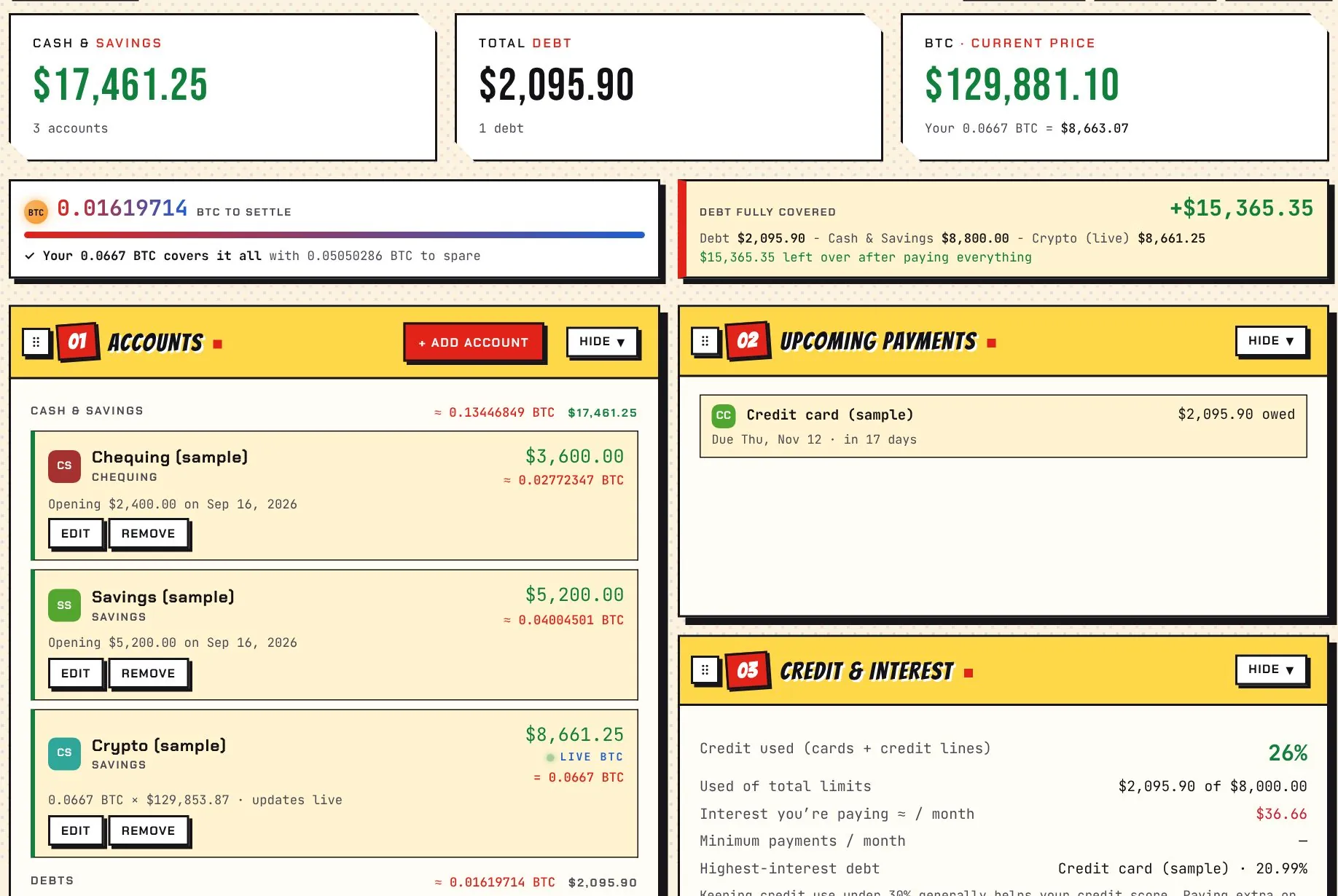
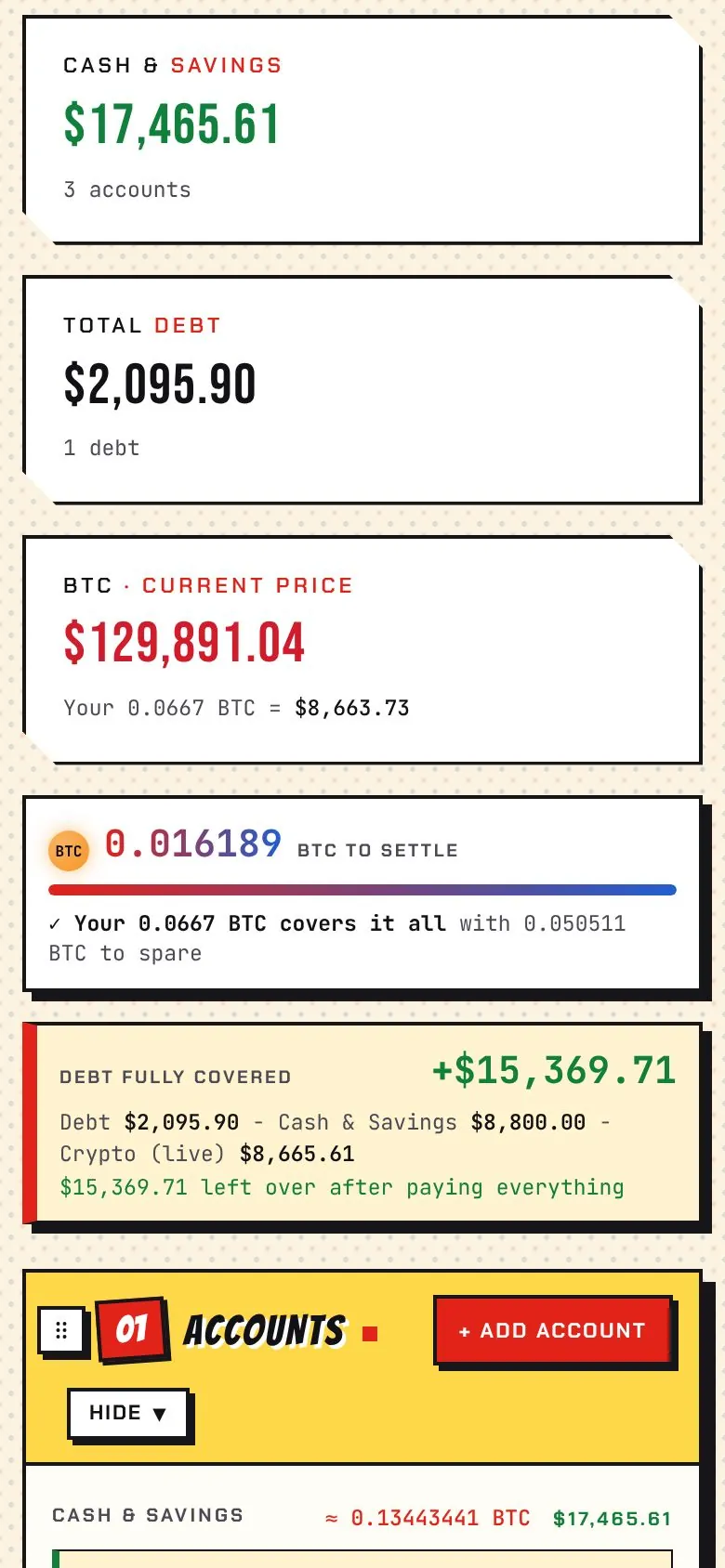
Add your bank accounts, cards and loans, then add a crypto account that always equals your coins at the live price. TFBF shows your cash against your debt, how many coins it would take to clear what you owe, what share your holdings already cover, and your total shortage, all moving with the market.
What are “whales”, and why watch them?
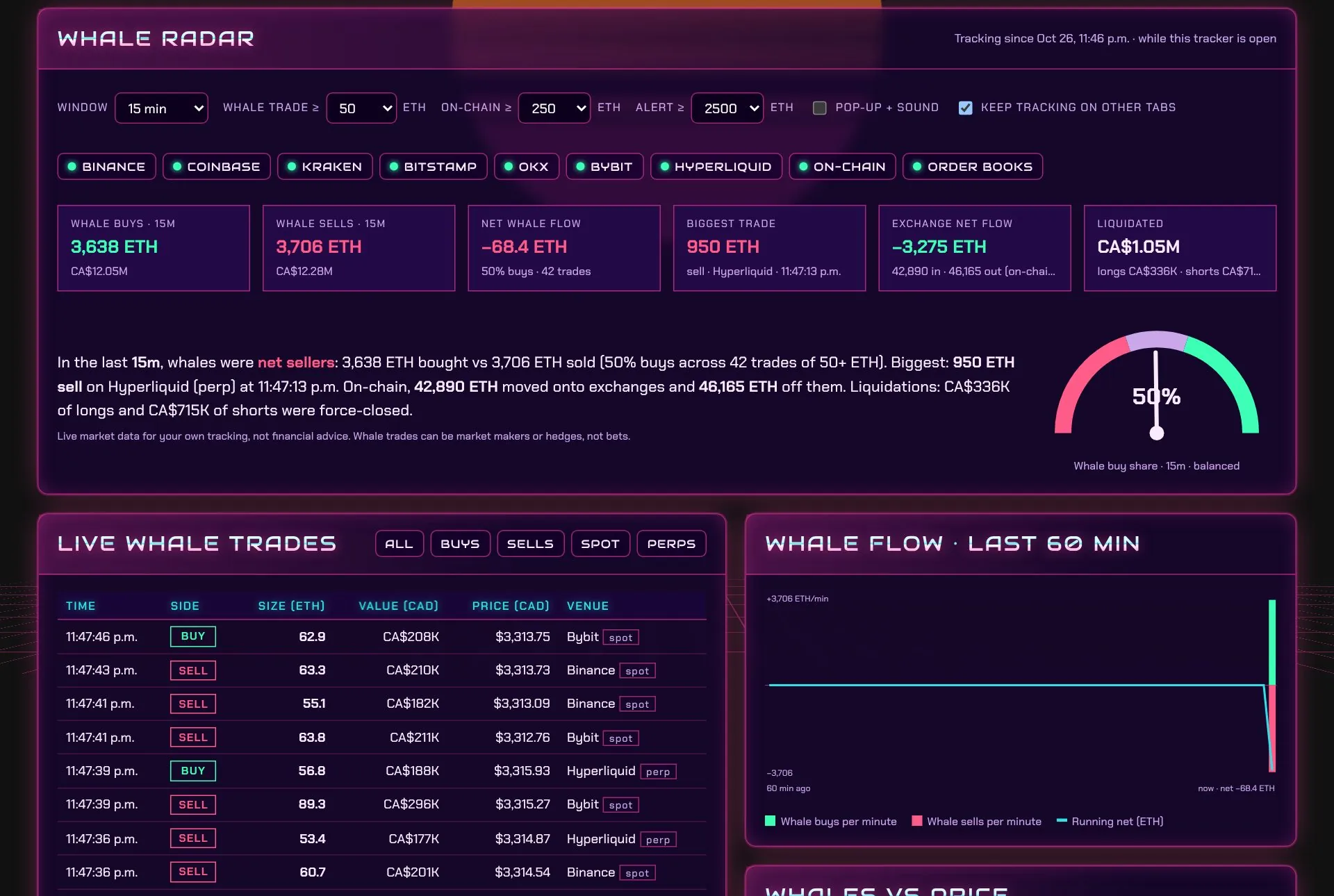
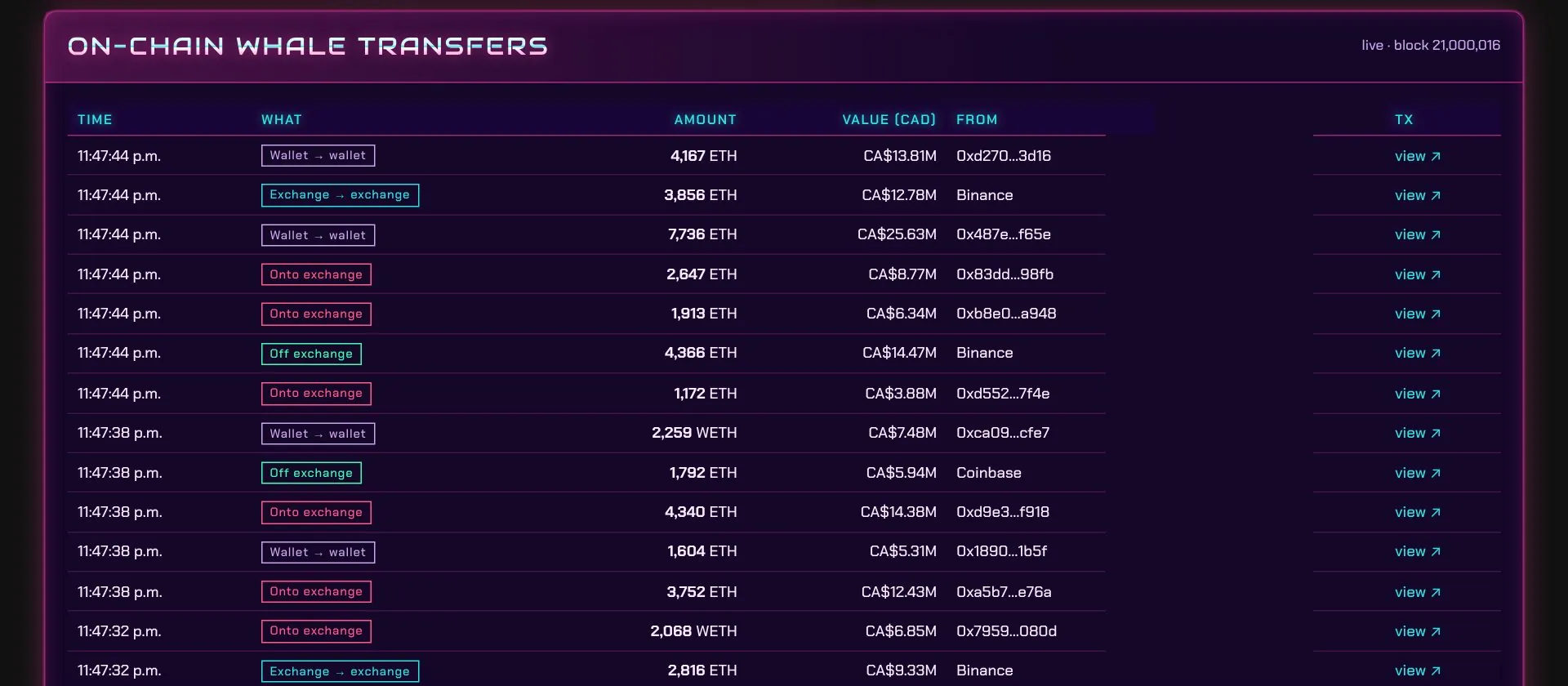
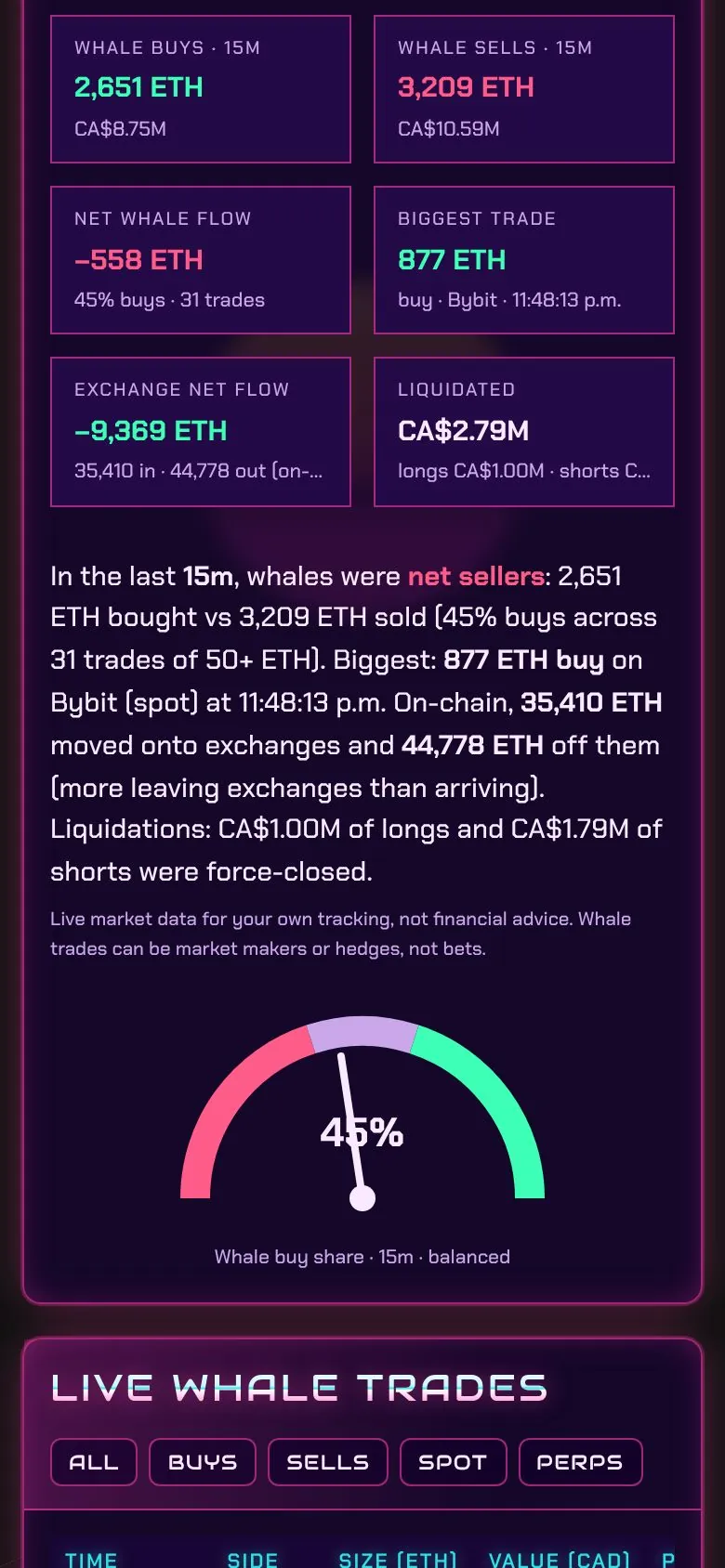
Whales are traders and funds moving very large amounts, hundreds or thousands of ETH at a time. Big buys, sells and moves onto exchanges can come before big price swings. TFBF shows them as they happen. They can also be market makers or hedges, so treat them as context, not a signal.
Where does the whale data come from?
Public trade feeds from Binance, Coinbase, Kraken, Bitstamp, OKX, Bybit and Hyperliquid, public order books, and new Ethereum blocks read through free public nodes. Nothing about you is sent, and no keys are needed.
Do the themes cost extra?
No. All 12 themes and their accent colours are free, in the free version too.
What do I get in the free version?
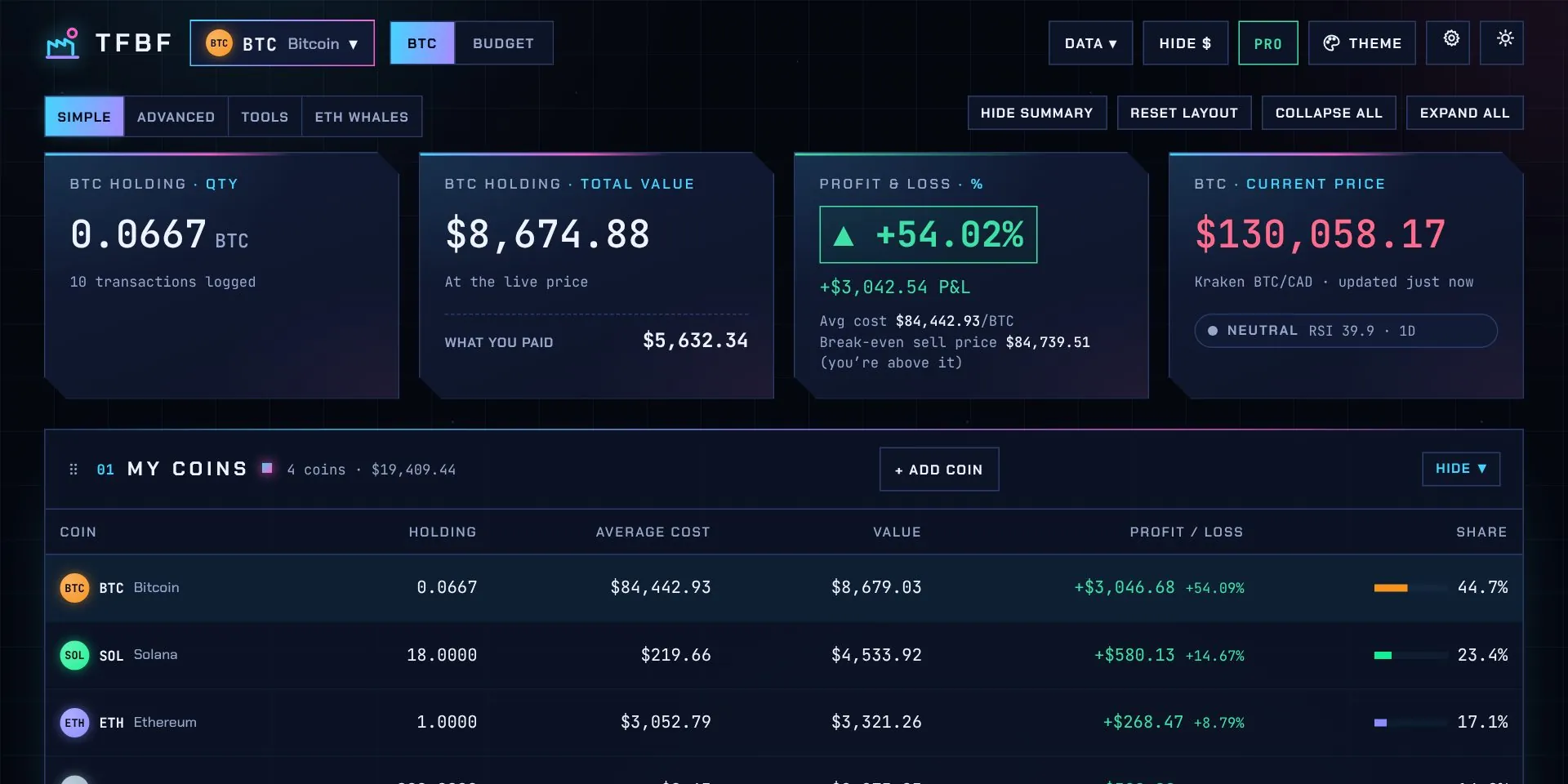
93 of the 182 features, for up to 25 trades: live prices in your currency, the dashboard and chart, every coin, live news, purchase-by-purchase profit, all 12 themes, the phone app, backup and privacy mode. See the full list, marked free or Pro.
How often are there updates?
New versions come out every week. They appear in the Updates section above; Pro customers download them free, for life, and the phone app updates itself.
Is my data safe if I lose my computer?
Your trades live in your browser, so keep a copy: click Backup now and then, or turn on Auto-backup (Chrome and Edge) to save a file to a folder after every change. On a new computer, open TFBF and click Restore.
Which coins does it track?
The top 20: Bitcoin, Ethereum, Solana, XRP, Dogecoin, Cardano, Chainlink, Avalanche, Stellar, Sui, Hedera, Bitcoin Cash, Polkadot, Litecoin, Shiba Inu, Uniswap, NEAR, Aave, Cosmos and Pepe, with live prices from Kraken. The whale tab follows Ethereum.
Which countries’ tax rules does it follow?
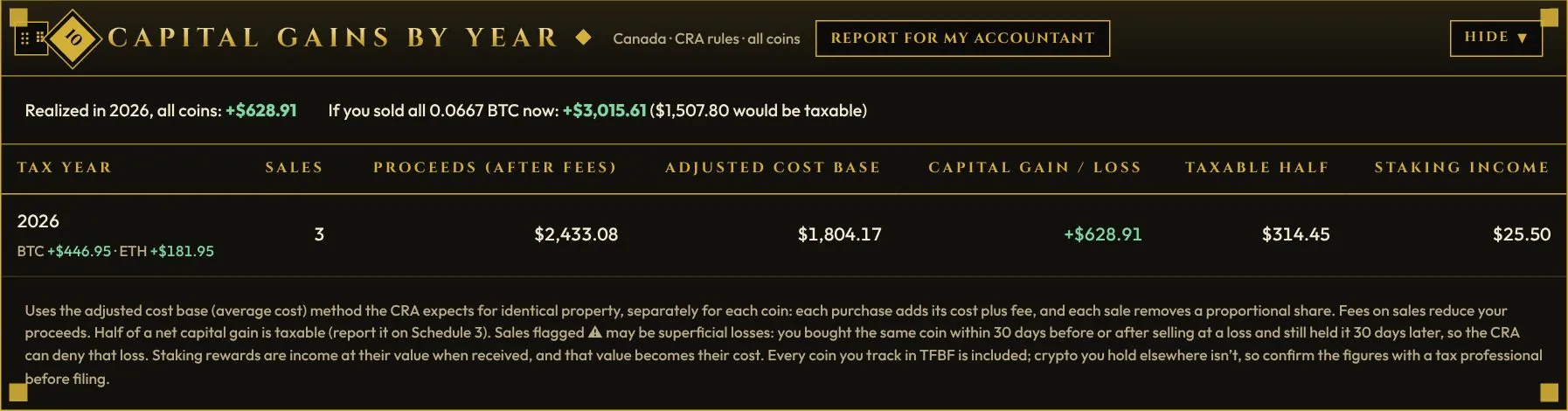
Canada (CRA adjusted cost base, superficial losses), the United States (IRS first-in-first-out, short- and long-term), the United Kingdom (HMRC same-day, 30-day and Section 104 pooling, £3,000 allowance) and Australia (ATO 50% discount after 12 months). Pick yours in Settings; prices show in your currency.
Which exchanges can I import from?
Pro imports CSV activity exports from Wealthsimple, Coinbase, Kraken and Shakepay, and most other exports that have date, type, quantity and price columns. You can always add trades by hand too.
Does it connect to my exchange or bank?
No. You enter or import your trades and accounts yourself and place orders yourself. TFBF never sees your passwords or keys, and it can’t trade or move money for you.
Can I get a refund?
There are no change-of-mind refunds, so please try the free version first: it’s the same app, limited to 25 trades. If anything goes wrong with your order, like a key that doesn’t arrive or doesn’t work, email and it will be fixed. See the refund policy.
How do I upgrade to Pro?
Pay $59 once and you’ll get a licence key starting with TFBF- by email. Click Free at the top of the app, paste the key, and everything unlocks, including the trades you’ve already logged.
What happens when I reach 25 trades on Free?
Your 25 trades stay exactly as they are. To add more, upgrade to Pro for a one-time $59.
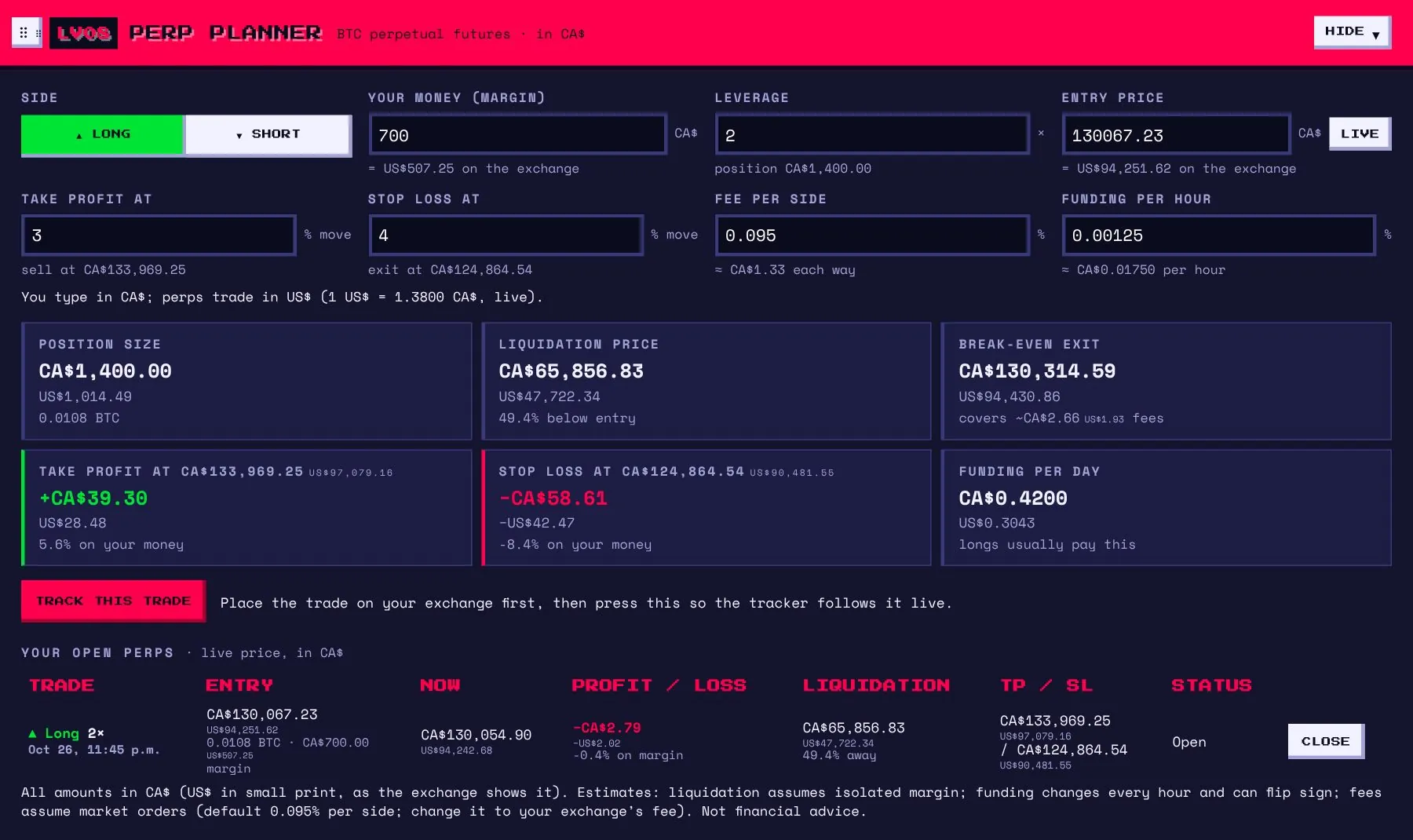
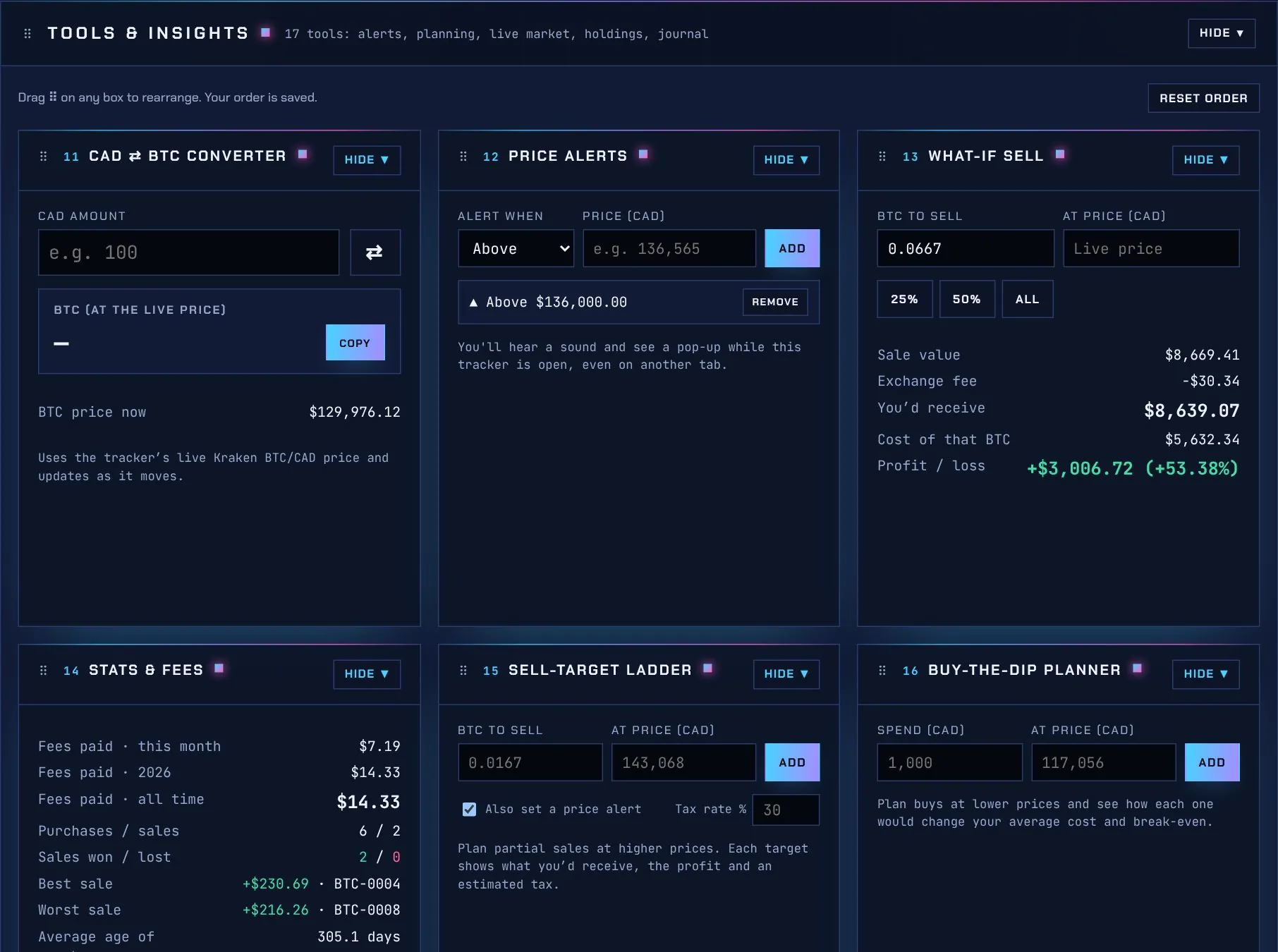
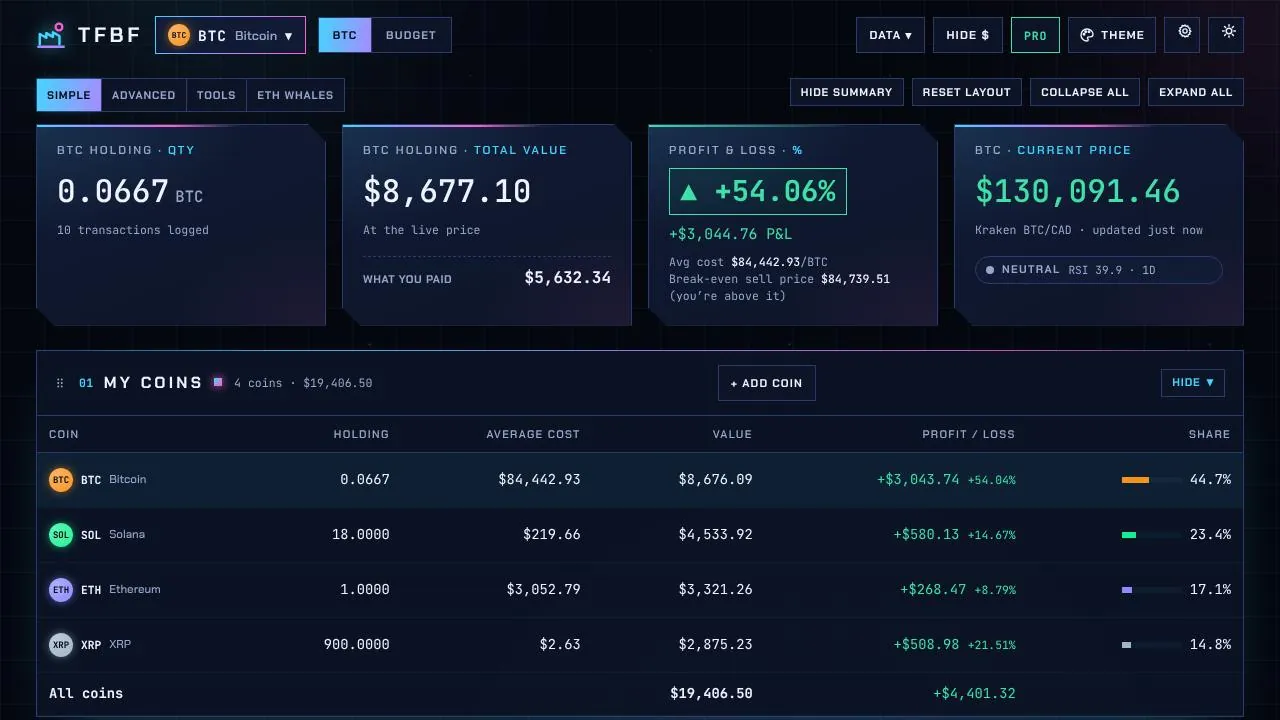
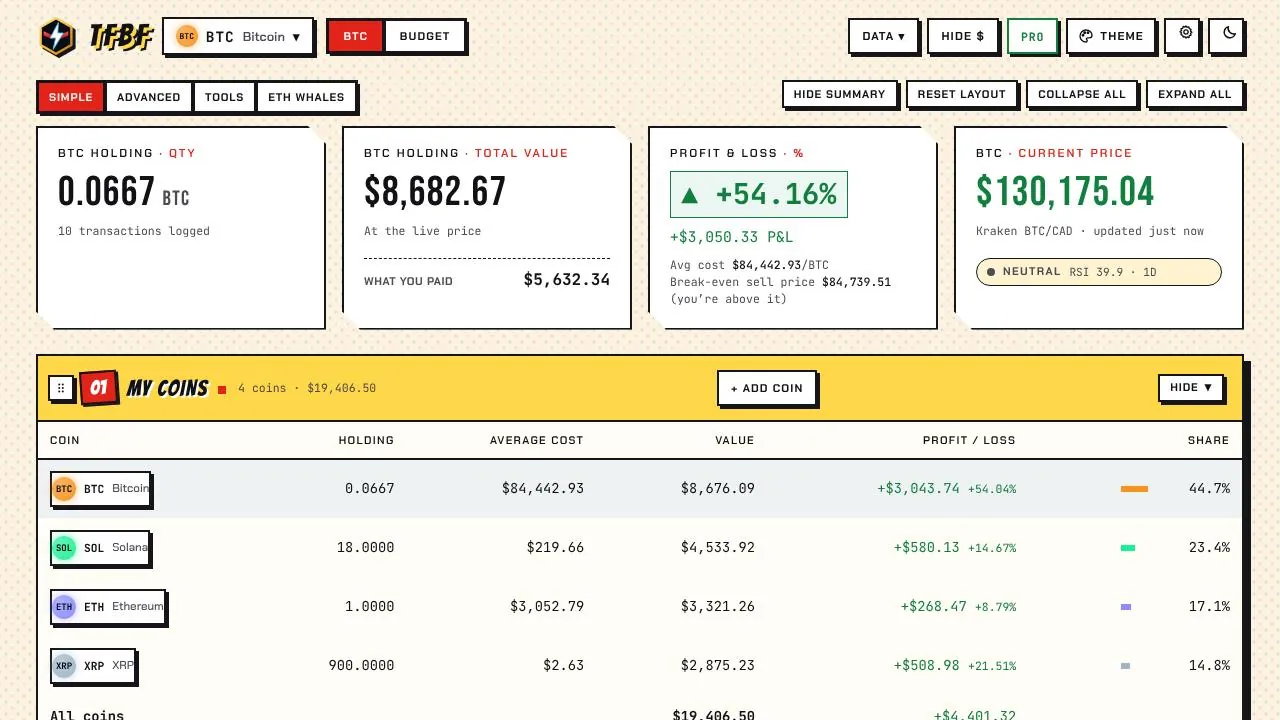
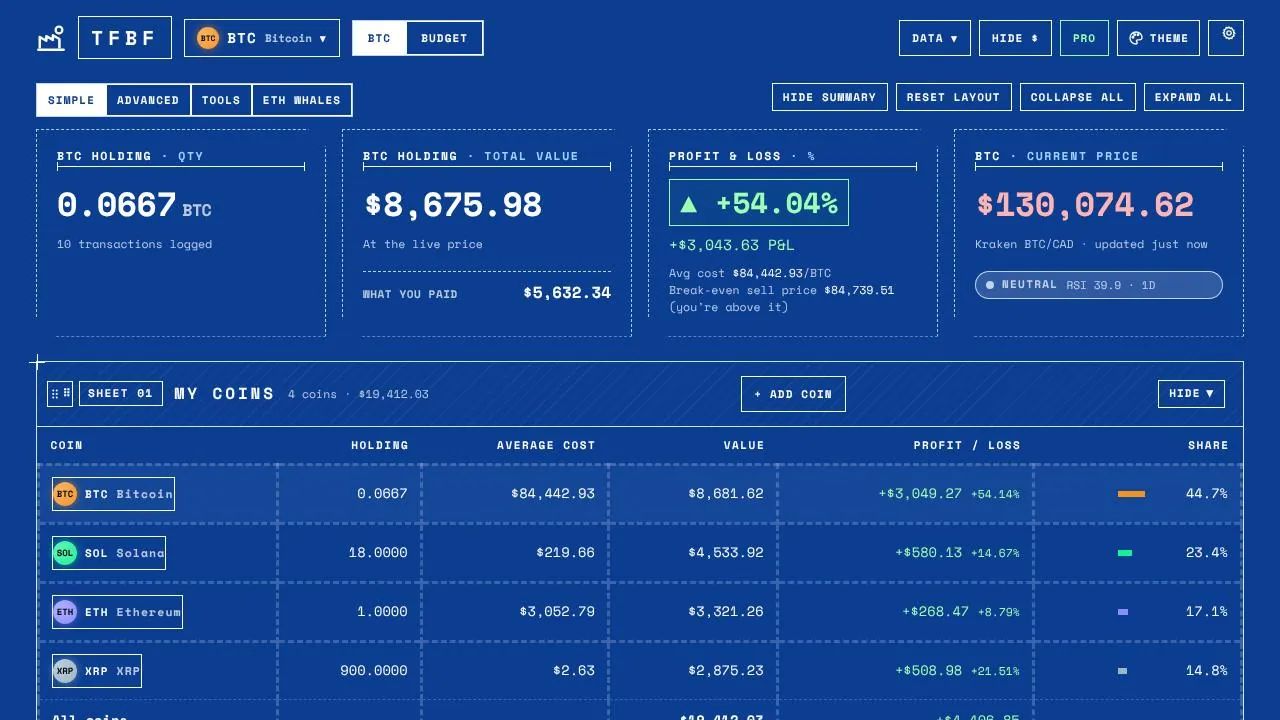
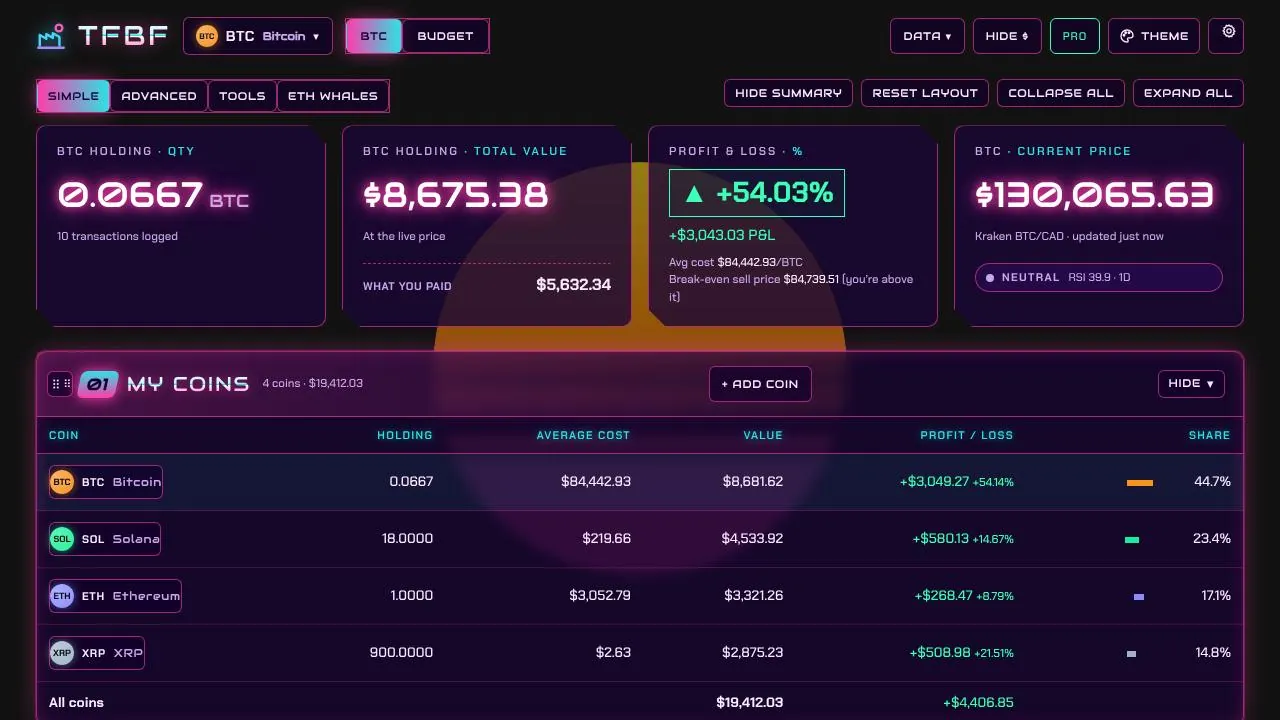
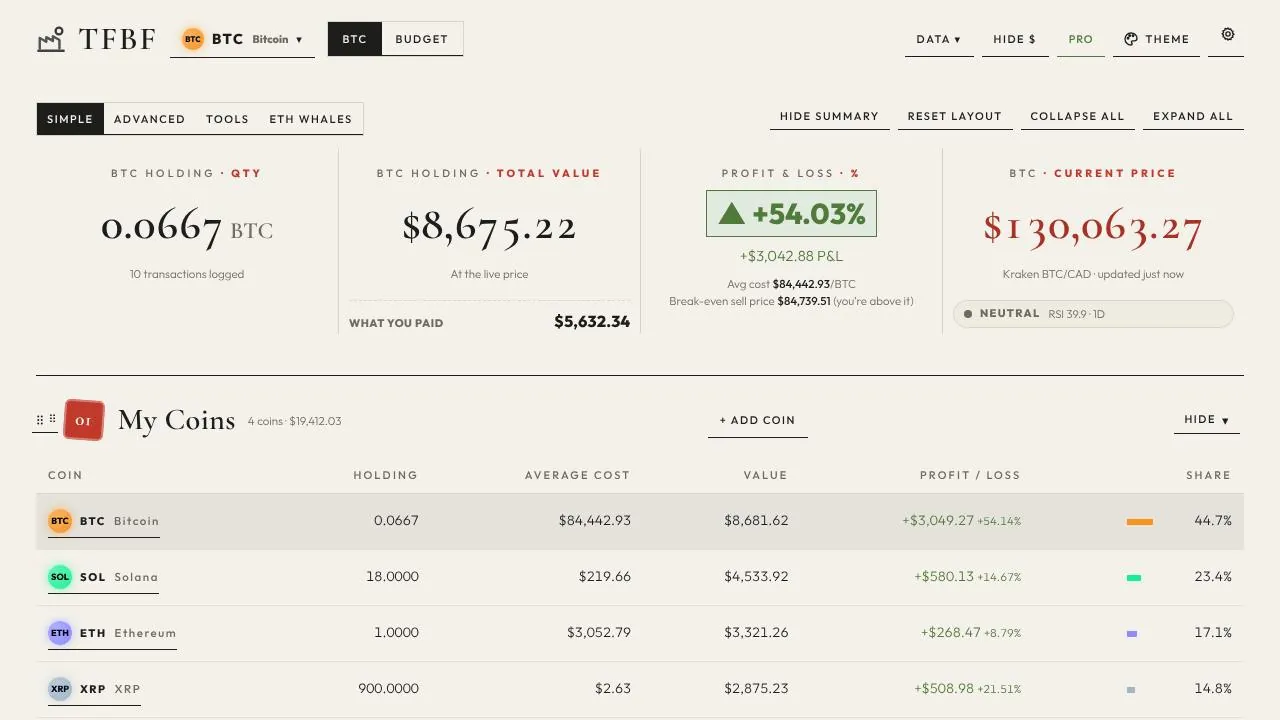
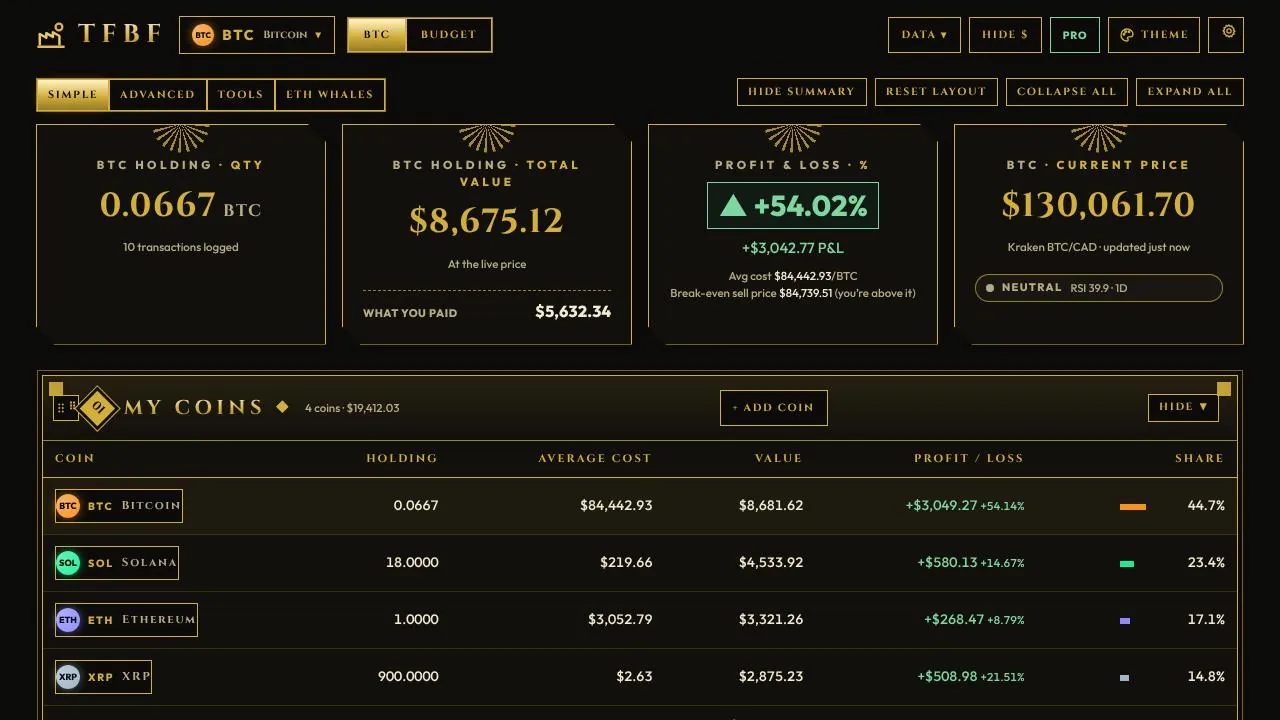
Are the screenshots real?
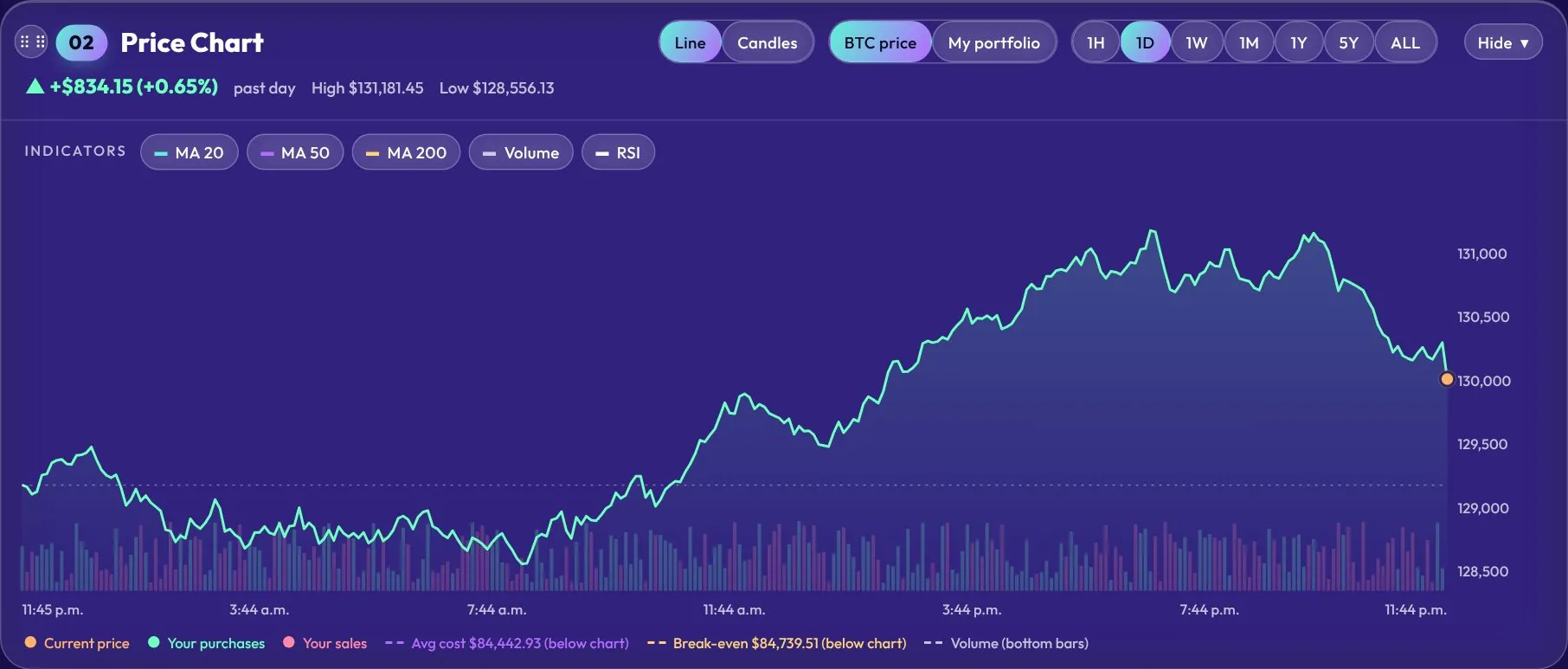
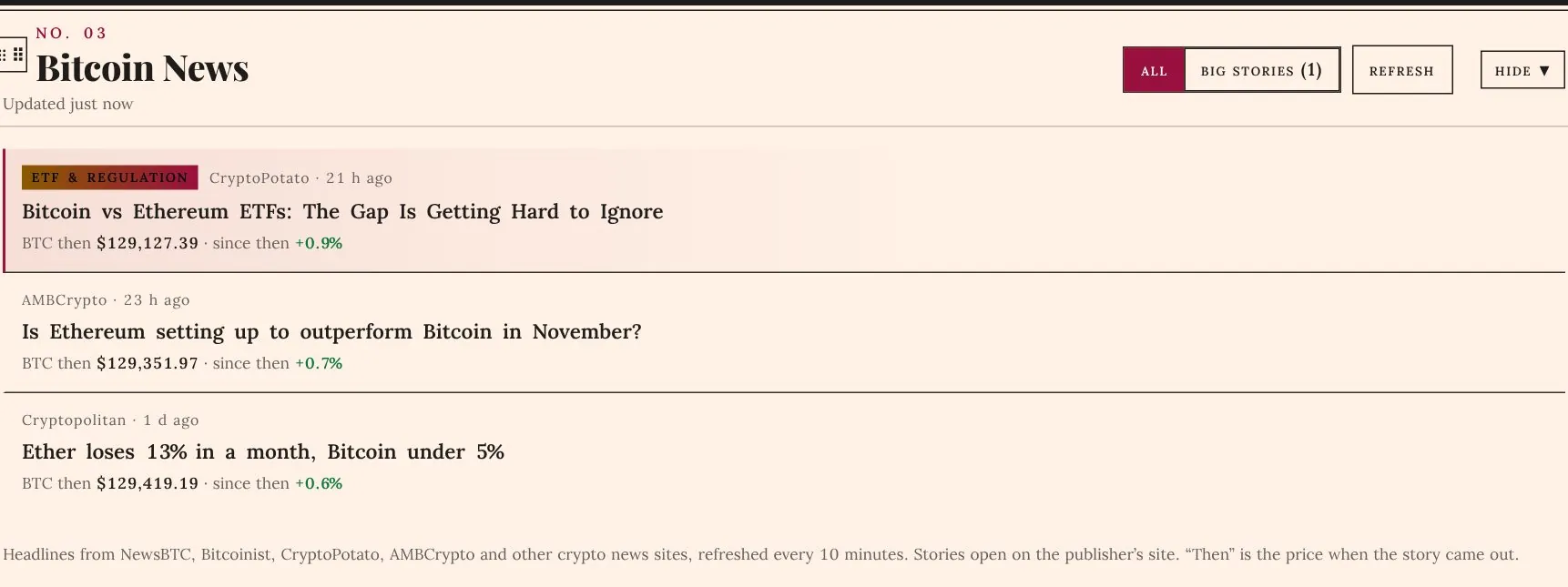
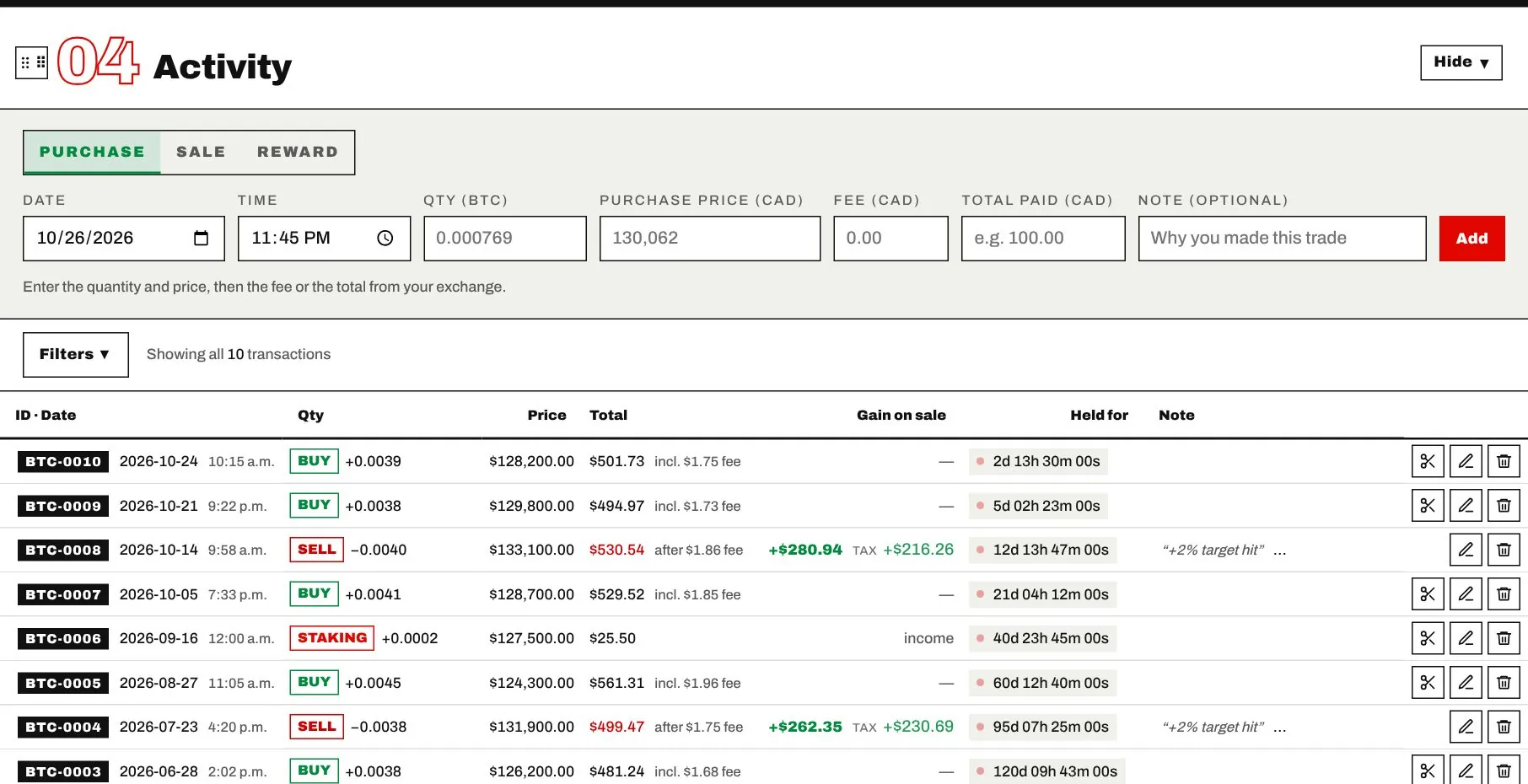
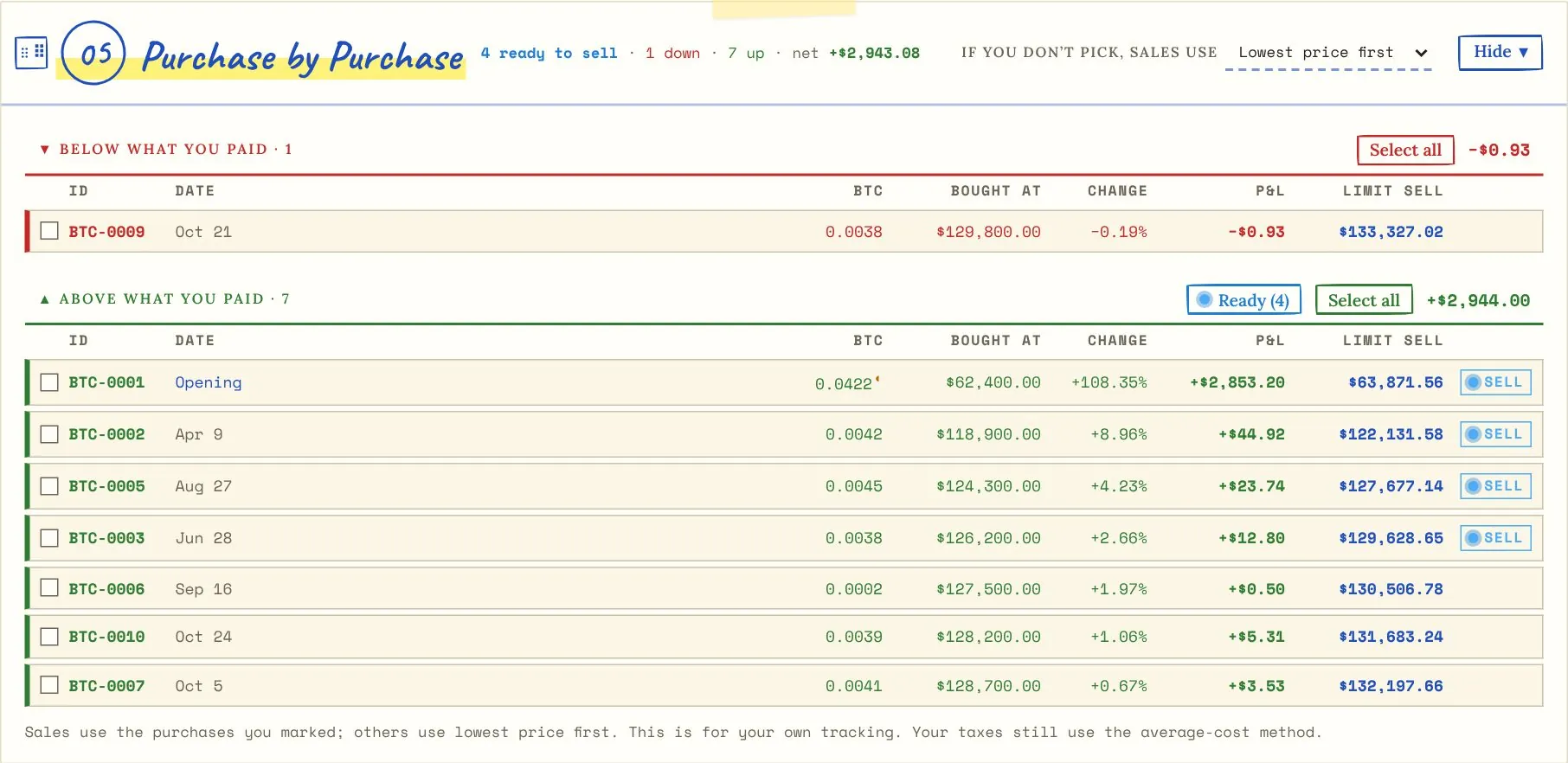
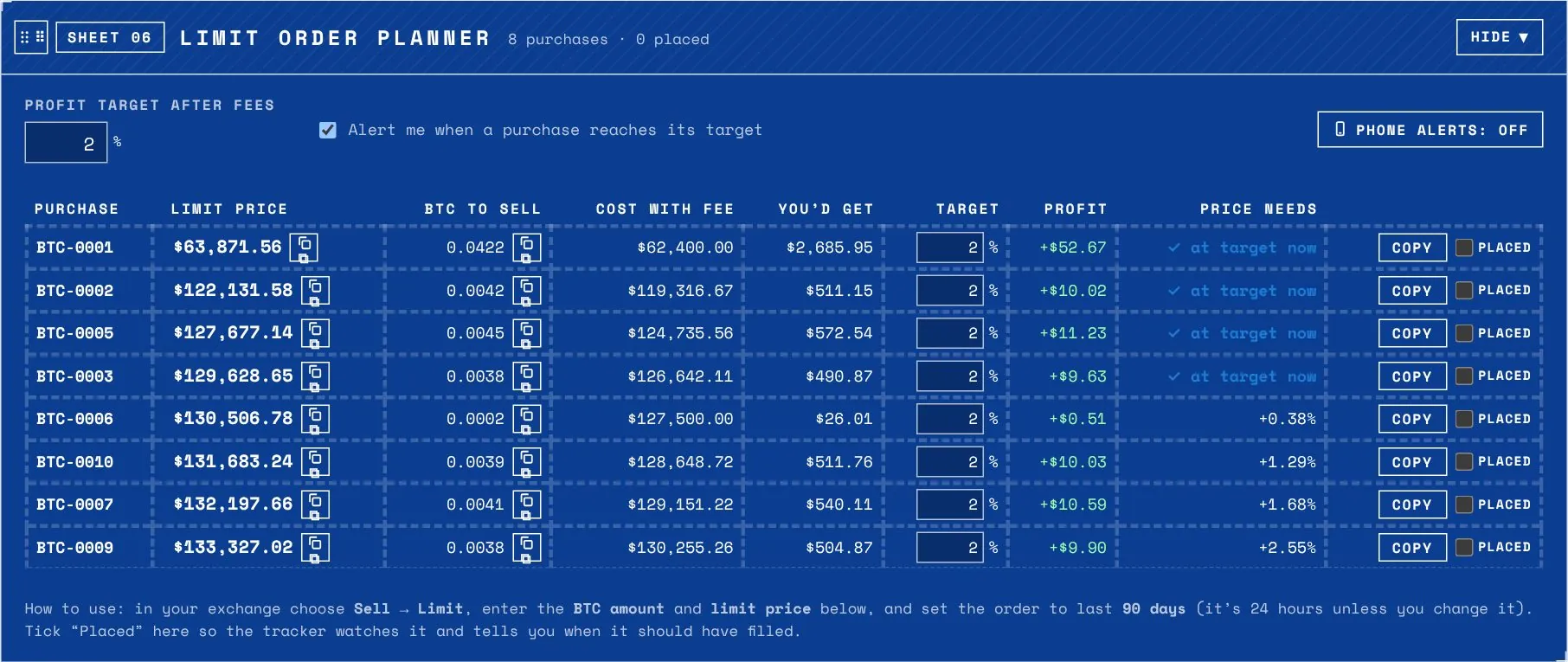
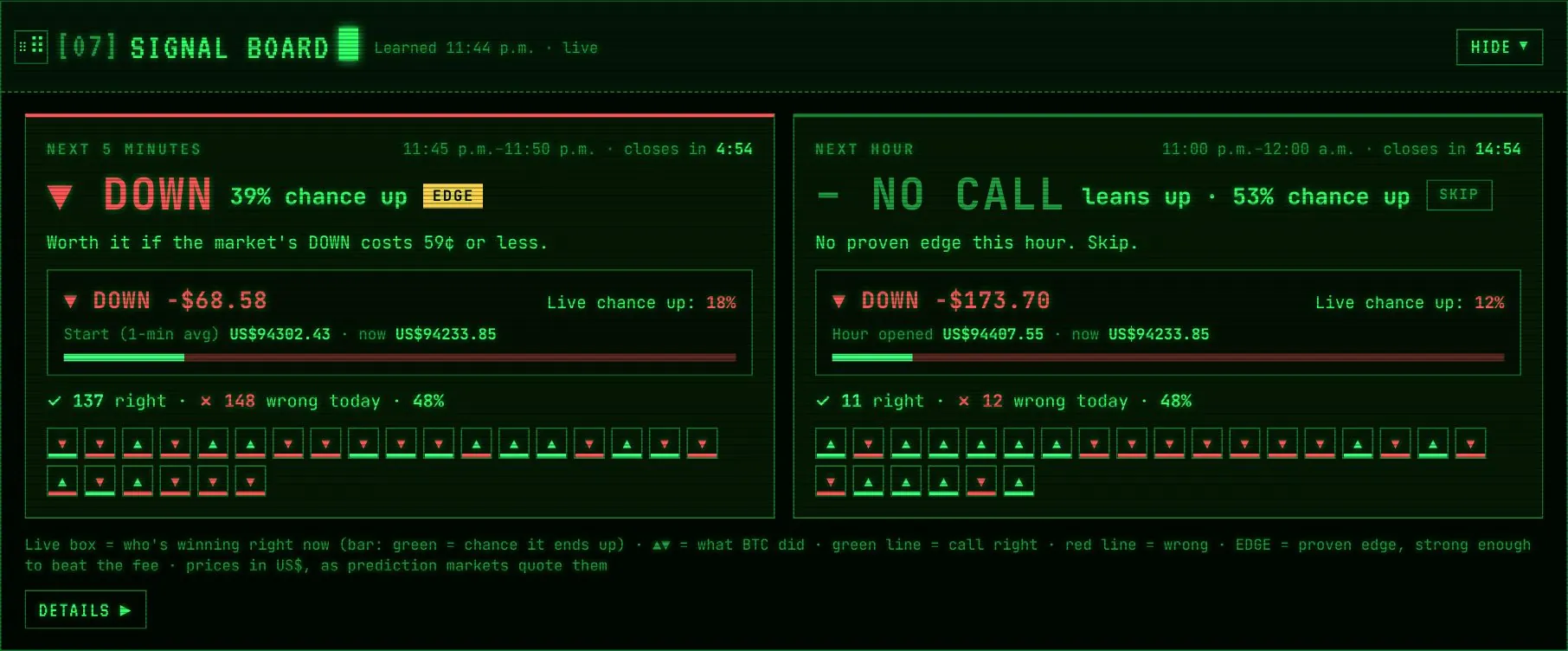
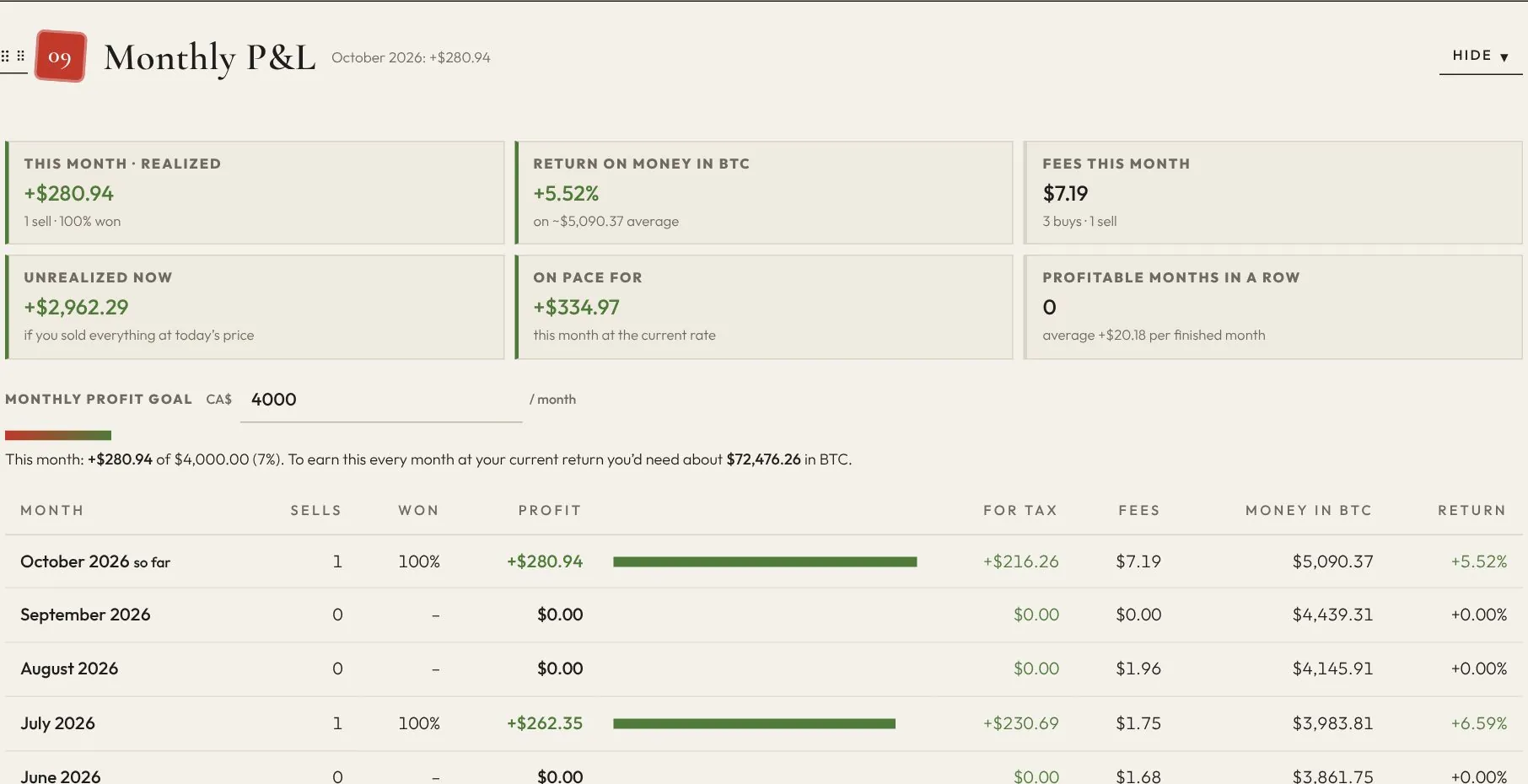
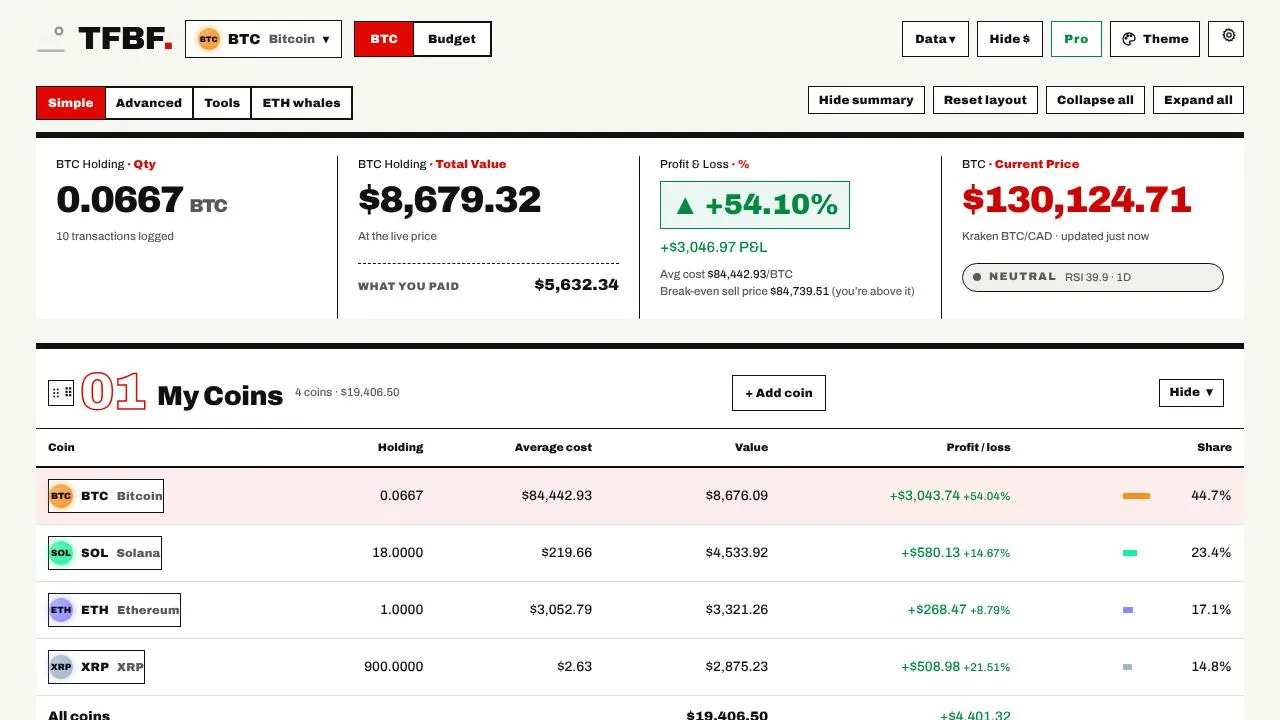
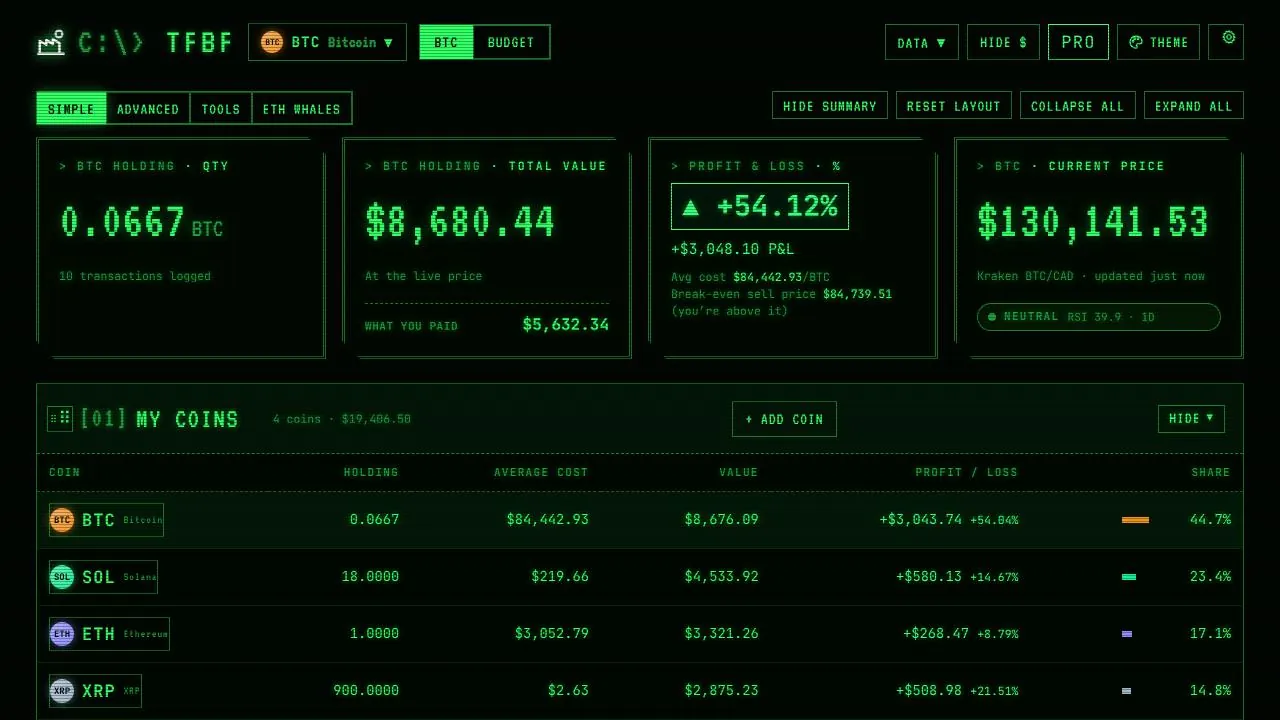
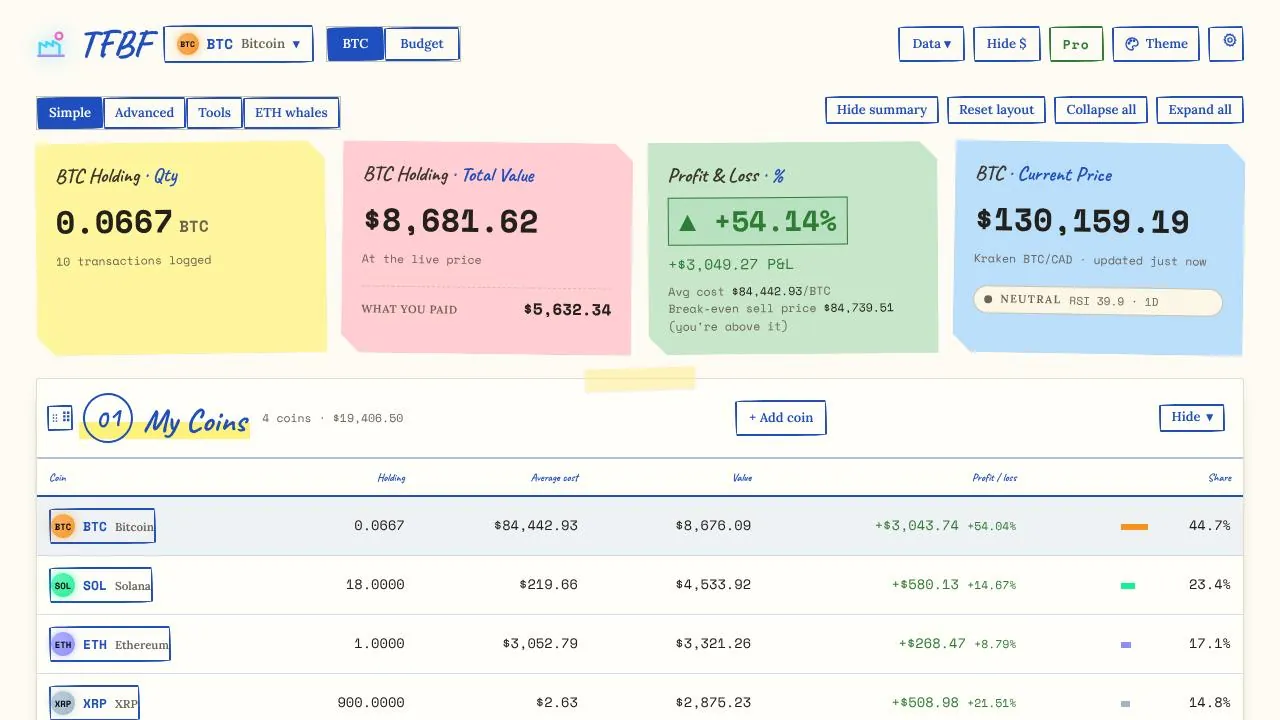
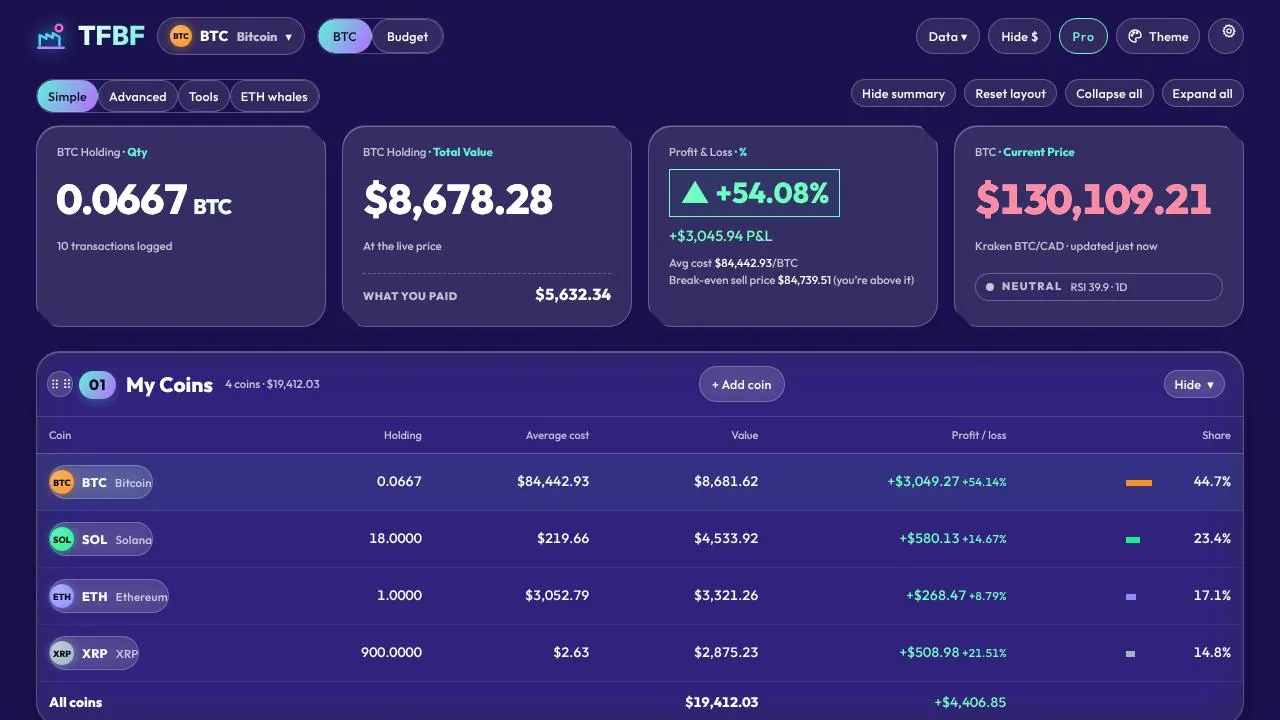
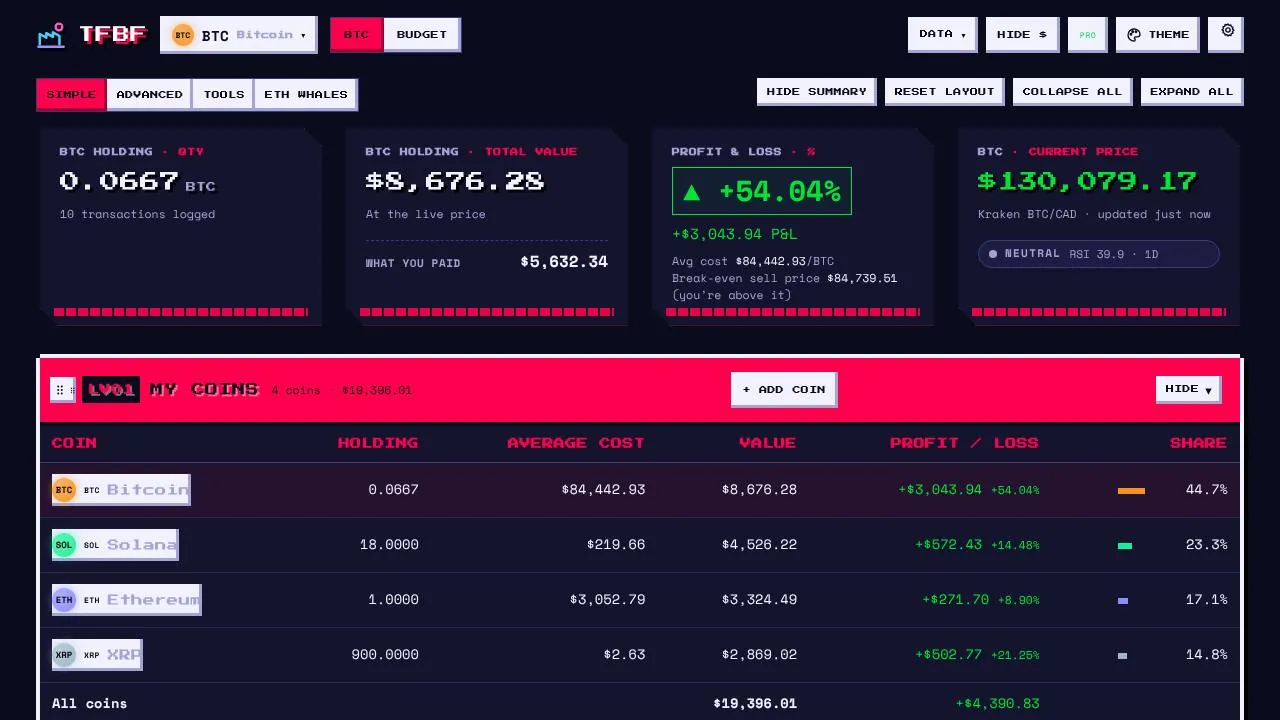
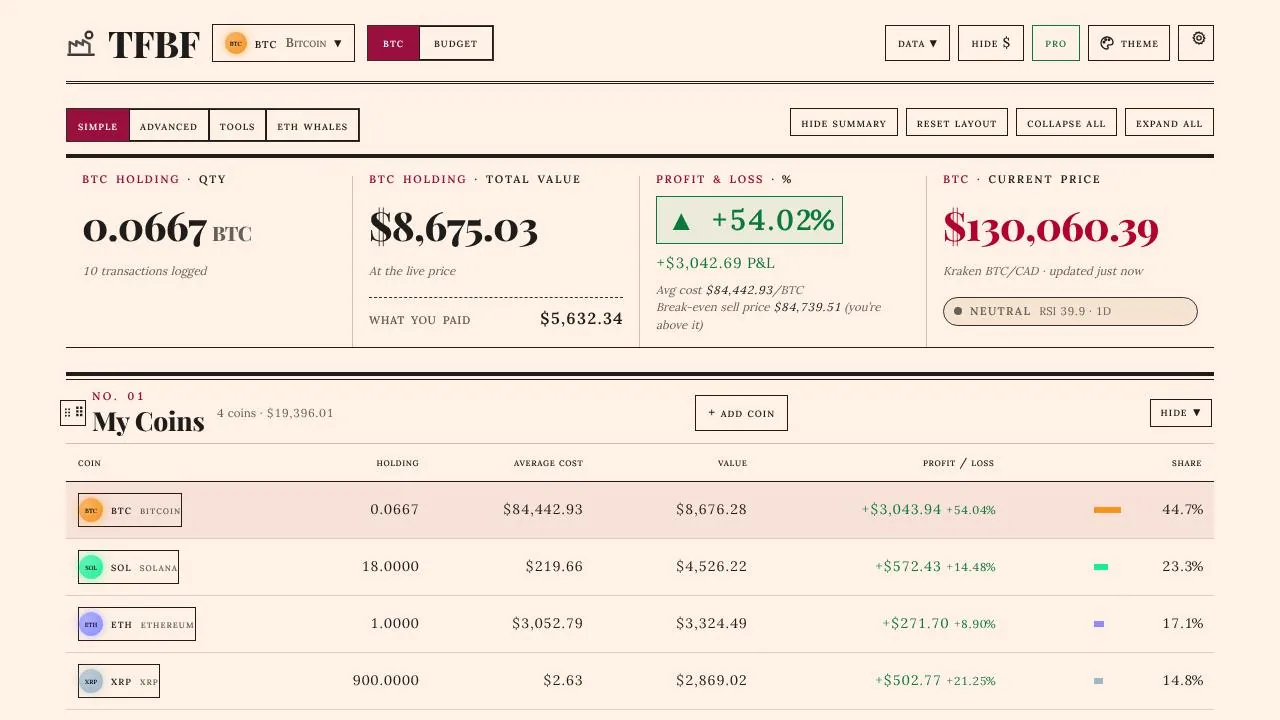
Yes. They’re the real app filled with sample data, each shown in a different theme. The whale screens use test data so no one’s real numbers are shown.
Is this financial or tax advice?
No. It’s a record-keeping and planning tool. Capital gains follow your country’s published rules; confirm your filing with a tax professional.
Can the signals or whale data make me money?
No tool can promise that. The Signal Board shows its full record, right and wrong, and whale moves are context, not instructions. Short-term crypto moves are close to random.